 Visitor Desk
Visitor Desk
Visitor Desk
Visitor Desk pairs a powerful web admin with an offline-first Android app. Manage multiple entrances, issue QR visitor cards, approve who can join, and sync entries in real time — or keep working fully offline.
Owners and managers run everything from a browser. Front-desk staff scan, log, and check out visitors on Android — even when the Wi-Fi drops.
Manage multiple entrances, approve who can use the app, issue QR visitor cards, and see live activity across every site.
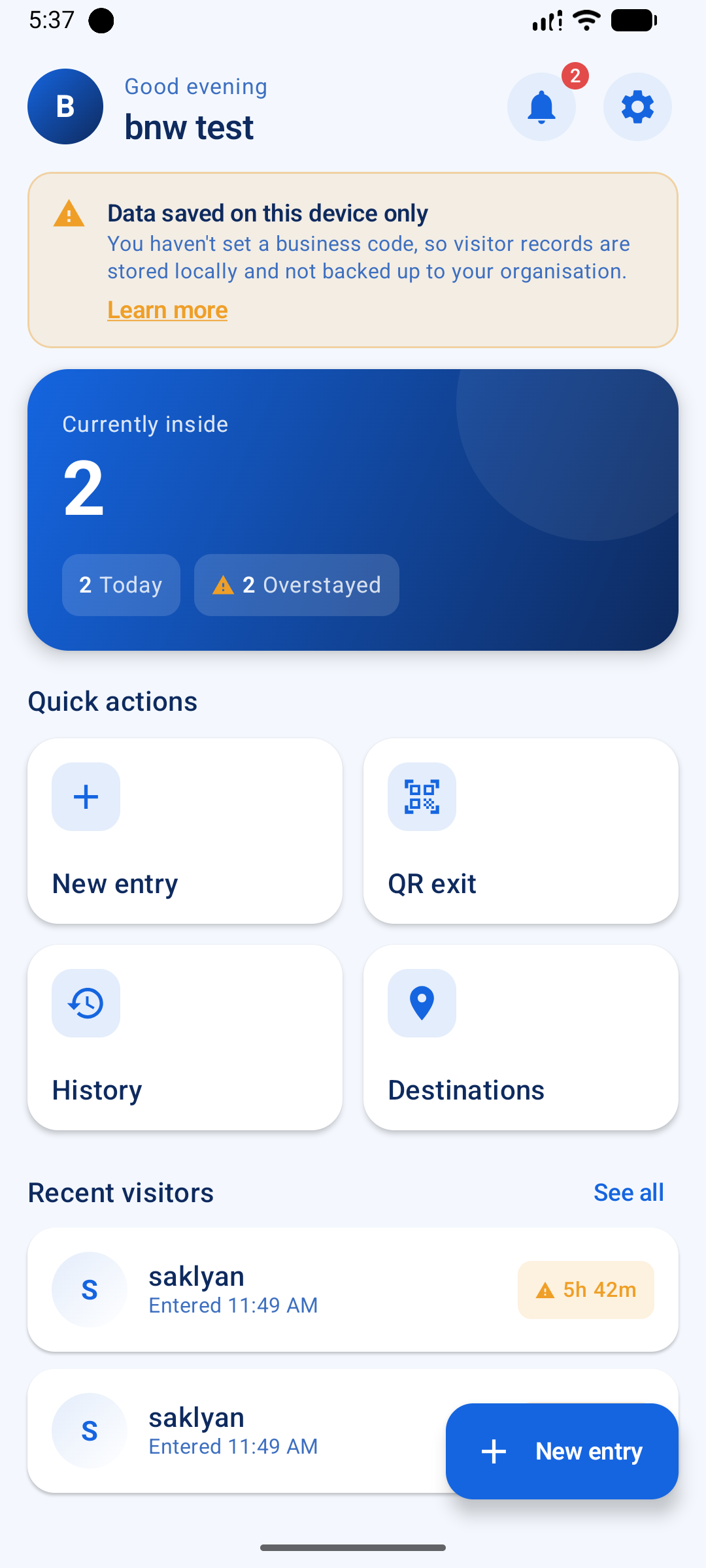
Built for the front desk. Capture entries with a photo, scan cards for one-tap entry/exit, work offline, and sync when you're ready.
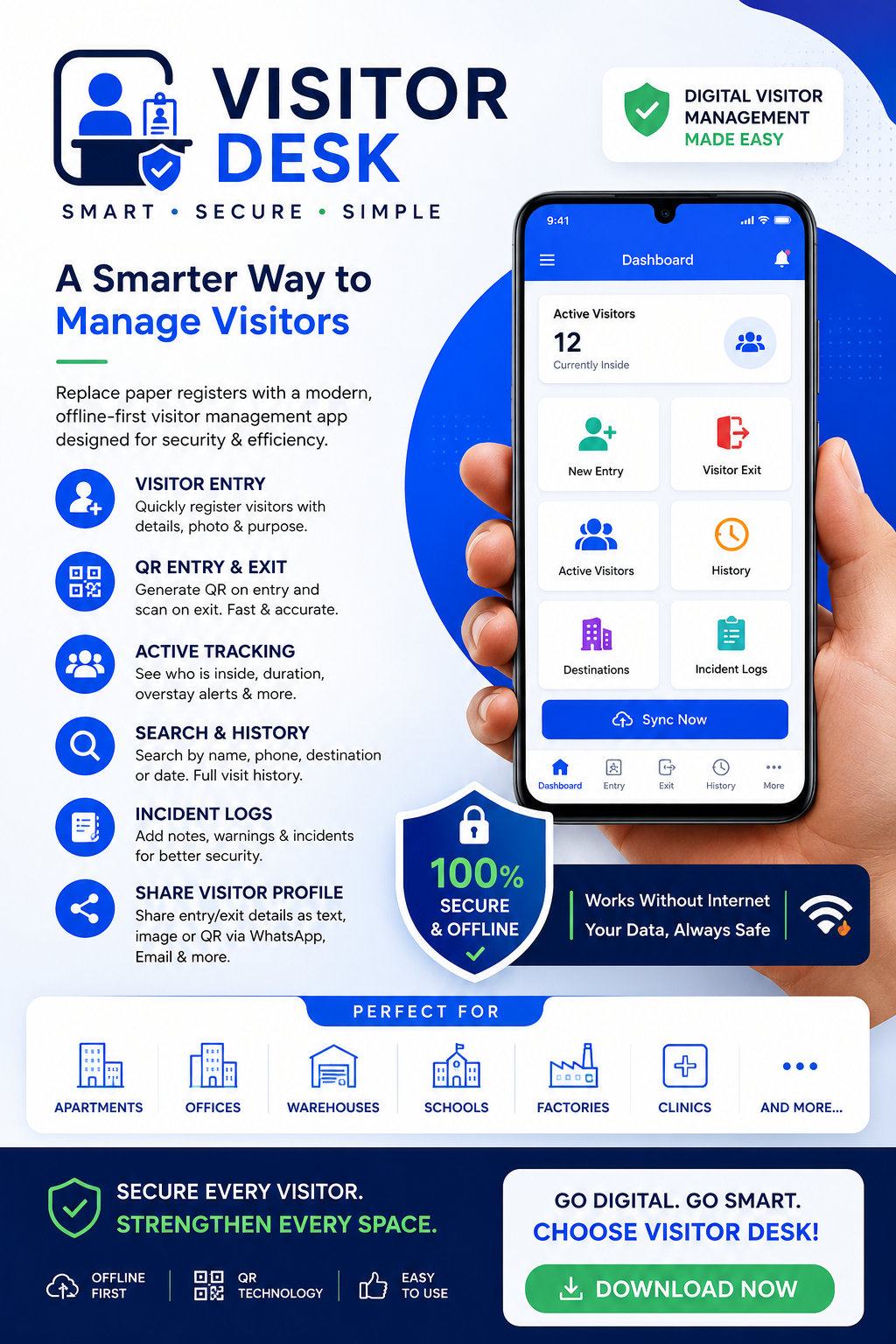
Capture visitors faster, control access tighter, and replace the paper register with a system you can actually trust.
Run one checkpost or many from a single account. Each entrance gets a unique code (e.g. EN-NXCE2M) — switch sites from the top bar.
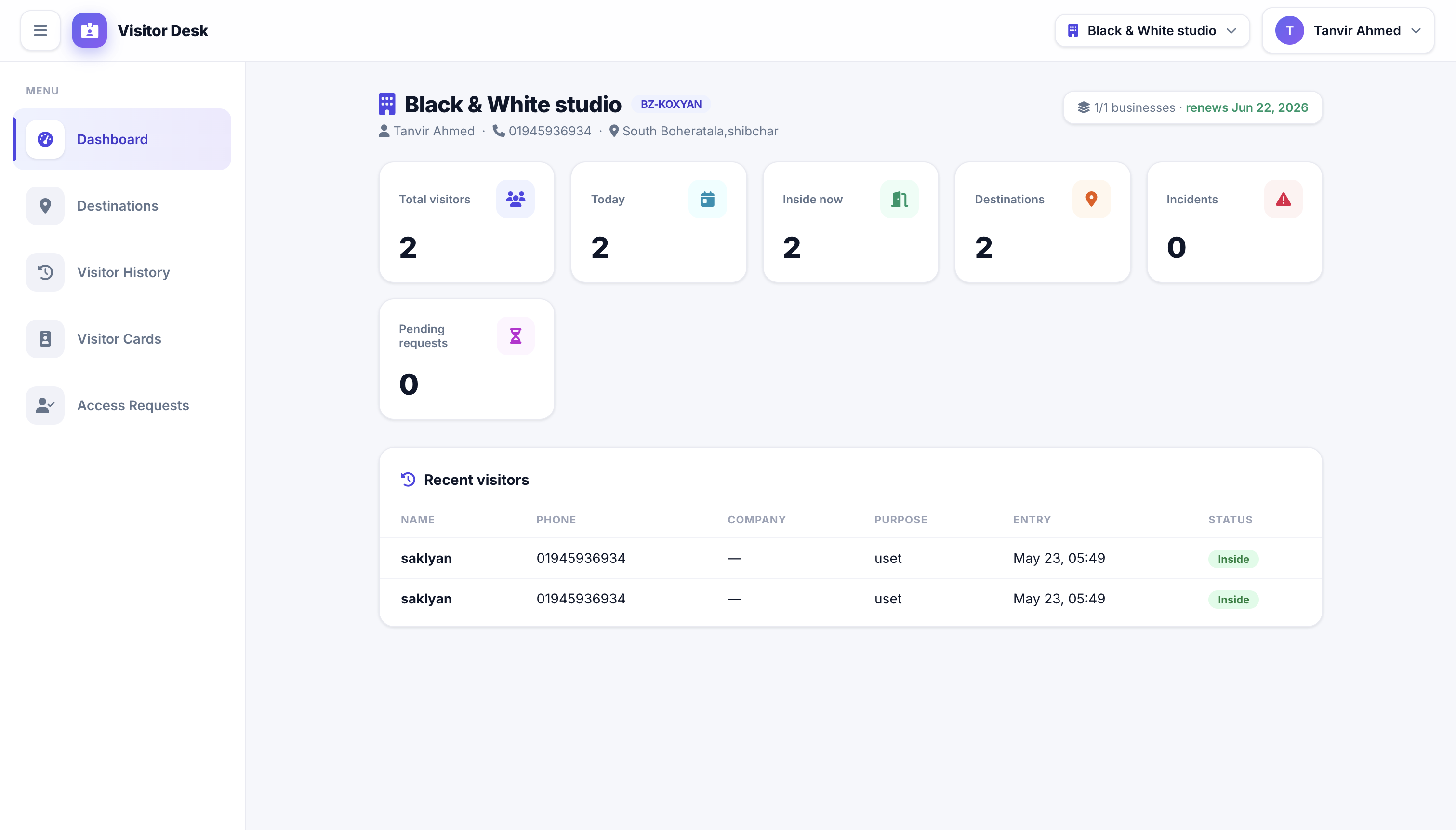
At-a-glance cards for total visitors, today, currently inside, destinations, incidents, and pending requests — scoped to the active entrance.
Issue printable ID cards with QR codes for regular visitors. Set validity windows, entry limits, and grant access to multiple sites per card.
App users submit your entrance code to request access. You approve, reject, or cancel — only approved members can sync data.
Create flats, departments, gates, or rooms in the web — they're instantly pushed to every connected Android device.
Capture name, phone, photo, ID, vehicle, and purpose in seconds. Mark exits manually or with a single QR scan.
See who's inside, how long they've been there, and get instant overstay warnings to keep your site safe.
Find anyone by name, phone, company, ID number, vehicle, or purpose — across today, this week, or any date range.
Flag problematic visitors with warning notes, security remarks, and observations — visible to the entire team.
See exactly which staff are using the app, on which device, with which app version — and when they were last seen.
You decide per-user. Online = real-time API. Offline = local-first with manual sync. Toggle from the admin in one tap.
Standalone users can back up and restore the local database to their own Drive. No entrance code required — total data ownership.
Share visitor profiles as text, image cards, or QR codes via WhatsApp, SMS, or email — straight from the device.
Email + password for the web. Google Sign-In with silent token refresh for the app — staff never get logged out unexpectedly.
Entry, exit, search, history, and QR generation all run on a local Room database. Sync is your choice, not a requirement.
For tenants, employees, delivery partners, contractors, and frequent guests. Create a card once; let the front desk scan and go.
Rahim Khan
Tenant · Flat 4B
Toggle each staff member between ONLINE and OFFLINE from the admin panel. The app respects your decision automatically.
Entries, exits, destinations, and incidents are sent to the backend immediately — nothing stored on the device.
Every entry saves to a local database first. Push to the cloud whenever you choose — single tap, single batch.
The app is fully functional on day one — even without an entrance code. Attach to an entrance to unlock cloud sync and QR card scanning.
| Capability | Standalone | With Entrance |
|---|---|---|
| Visitor entry, exit, photo & QR | ✓ | ✓ |
| Destinations, incidents & search | ✓ | ✓ |
| Active visitors & overstay alerts | ✓ | ✓ |
| Google Drive backup & restore | ✓ | — |
| Cloud sync to your entrance backend | — | ✓ |
| Scan QR visitor cards (entry/exit) | — | ✓ |
| Shared visitor log across staff | — | ✓ |
| Admin web panel oversight | — | ✓ |
⚠️ Thinking of staying offline-only? Read our risk-awareness guide on what to watch for and how to reduce each risk.
Dynamic destinations adapt to your entrance — flats for apartments, departments for offices, doctors for clinics, gates for warehouses.
No clutter. No confusion. Just visitor logging that respects your staff's time.
No training videos. No 200-page manual. Just sign up, share a code, and you're running.
Create your account in the web admin. Your first entrance and 30-day trial start automatically.
Each entrance gets a unique code like EN-NXCE2M. Send it to your front-desk staff.
Staff enter the code in the Android app. You approve them with one click — they're in.
Front-desk logs visitors and scans cards. You see everything live on the web — even from anywhere.
Visitor Desk is engineered for the realities of front-desk work — not for slide decks.
Standalone mode means the database lives on the device — back it up to your own Drive whenever you want.
Offline-first by design. Nothing waits on the internet. Sync only when you choose — in a single batch.
No one syncs to your entrance without your explicit approval. Detach a user, and they're out immediately.
Built with Material 3, Jetpack Compose, and Google's latest sign-in standards. Stays logged in with silent token refresh.
Card lost? Revoke it. Staff left? Detach them. The system enforces every rule at scan time — no leaks.
Clean Material 3 UI on Android. Modern responsive admin on the web. Designed to be readable at speed.
Start free on a single device. Upgrade when you need cloud sync, QR cards, and multi-entrance management.
Local-only, single device
For small setups
For growing operations
For enterprises
Need printed visitor passes or receipts? We integrate thermal slip printing for your printer model as an add-on. Available on any paid plan — contact us to enable it.
If we missed yours, email us — we read every message.
No. The Android app is fully functional on its own — entries, exits, QR, search, history, and Google Drive backup all work without an entrance code. The web admin is what unlocks multi-staff sync, QR visitor cards, and centralised oversight.
Your data stays safe. You'll be prompted to pick a paid plan to keep cloud sync and QR cards. If you don't, the Android app continues to work locally — you just lose the web panel and sync features until you renew.
Yes. Every plan above Free supports multiple entrances, each with its own code, destinations, visitor log, app users, and QR cards. Switch between them from the top-bar selector in the web admin.
You set the mode per app user from the admin. ONLINE pushes every entry and exit to the backend immediately. OFFLINE saves to the device first, then syncs in a single batch when the staff member taps "Sync now". You can toggle modes anytime.
Printable ID-card-size passes with a unique QR code for regular visitors — tenants, employees, contractors, delivery partners. The front-desk scans the QR once; the system auto-detects entry or exit, enforces the card's validity window and entry limit, and logs everything.
Yes. The web admin uses session-based authentication. The Android app uses Google Sign-In with token refresh. Standalone users keep data on the device with optional Google Drive backup. Entrance-attached users sync over HTTPS to your dedicated backend.
Yes — it's a paid add-on. We integrate it for your specific thermal printer model. Contact us with your printer details and we'll enable it for your entrance.
Start free in minutes. Issue your first QR card today. Cancel anytime.
Start Your 30-Day Free Trial